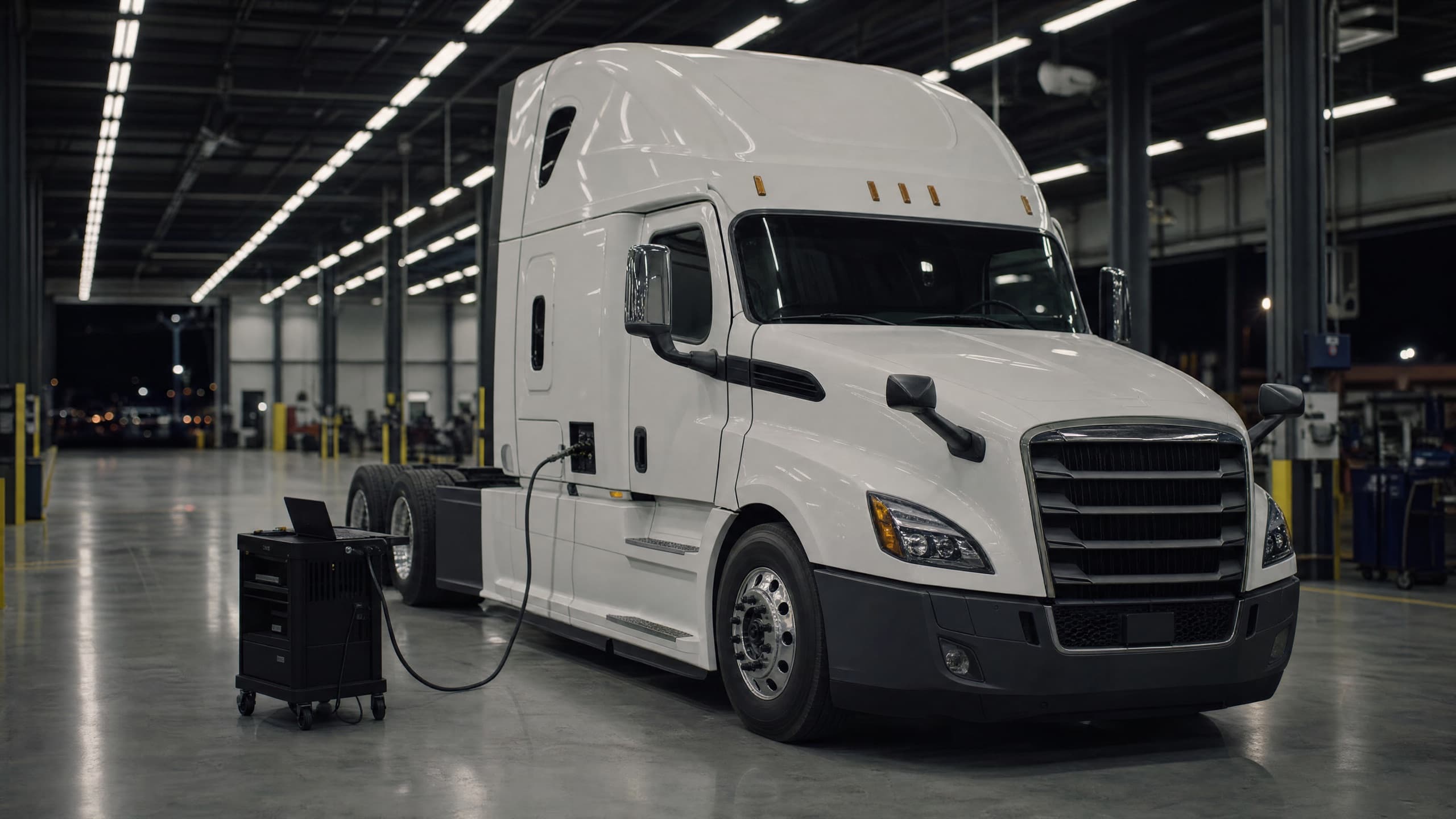
Assign the work to Achilles. Chiron handles diagnostics and Astra connects remote vehicles. Your team stays in control from the first question to the final report.
01
Give Achilles the job
Describe the issue and share the vehicle context.
02
Connect the tools
Chiron reads the vehicle. Astra brings remote vehicles into reach.
03
Review the result
Review the findings and service report, saved with the vehicle’s history.
Illustrated workflow · sample interfaces
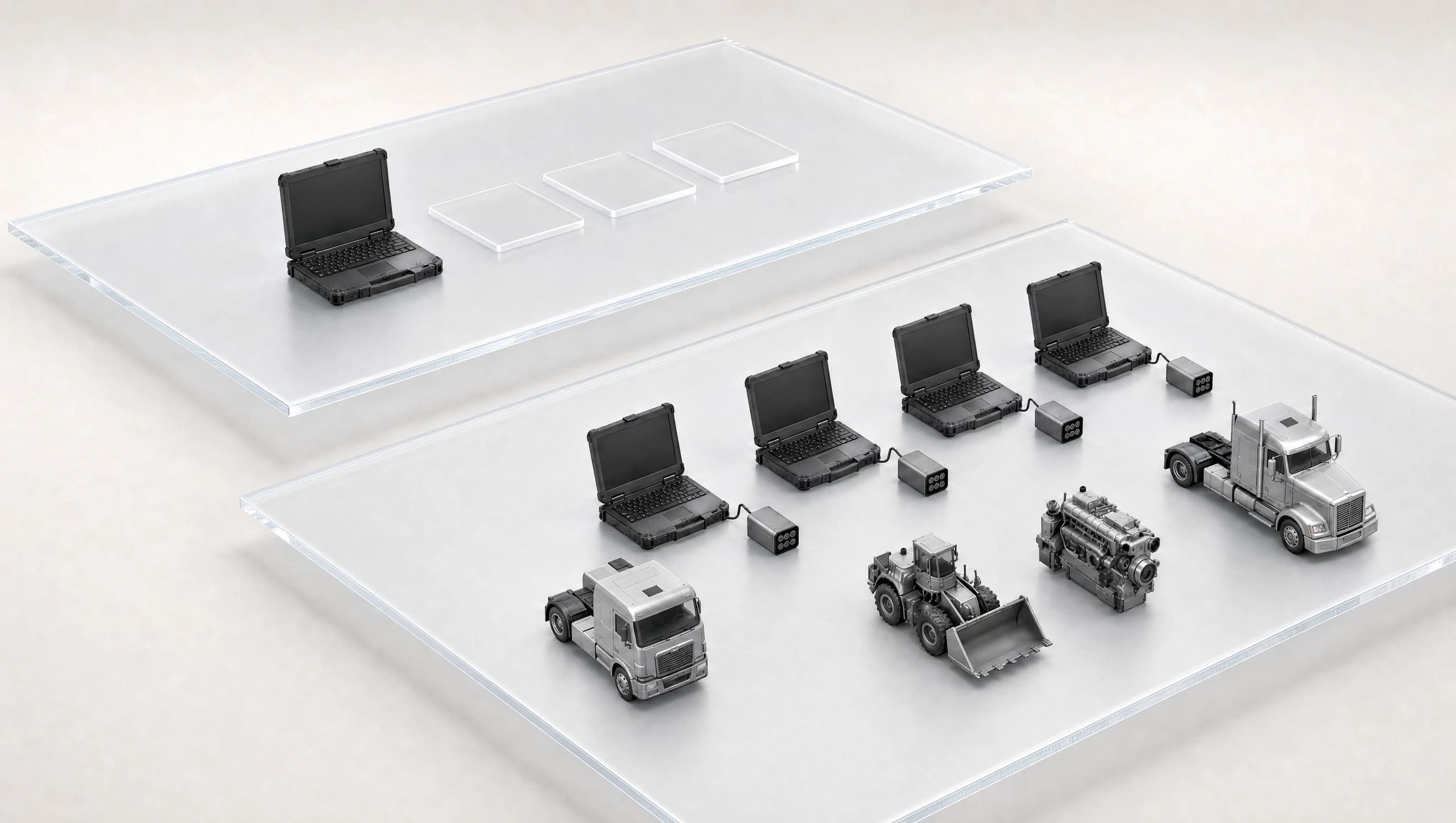
Follow a diagnostic request and its response for one selected vehicle. Astra supports concurrent remote links across vehicles. Astra connects the workspace to a field laptop, physical adapter and vehicle. Requests travel out; vehicle evidence returns to the workspace and Achilles. Proposed actions require approval. Pause the animation with the control below. The flow also pauses on hover or keyboard focus. Use the left and right arrow keys to explore the vehicles.Preparing studio preview.
Truck 1
01
AchillesAI Agent
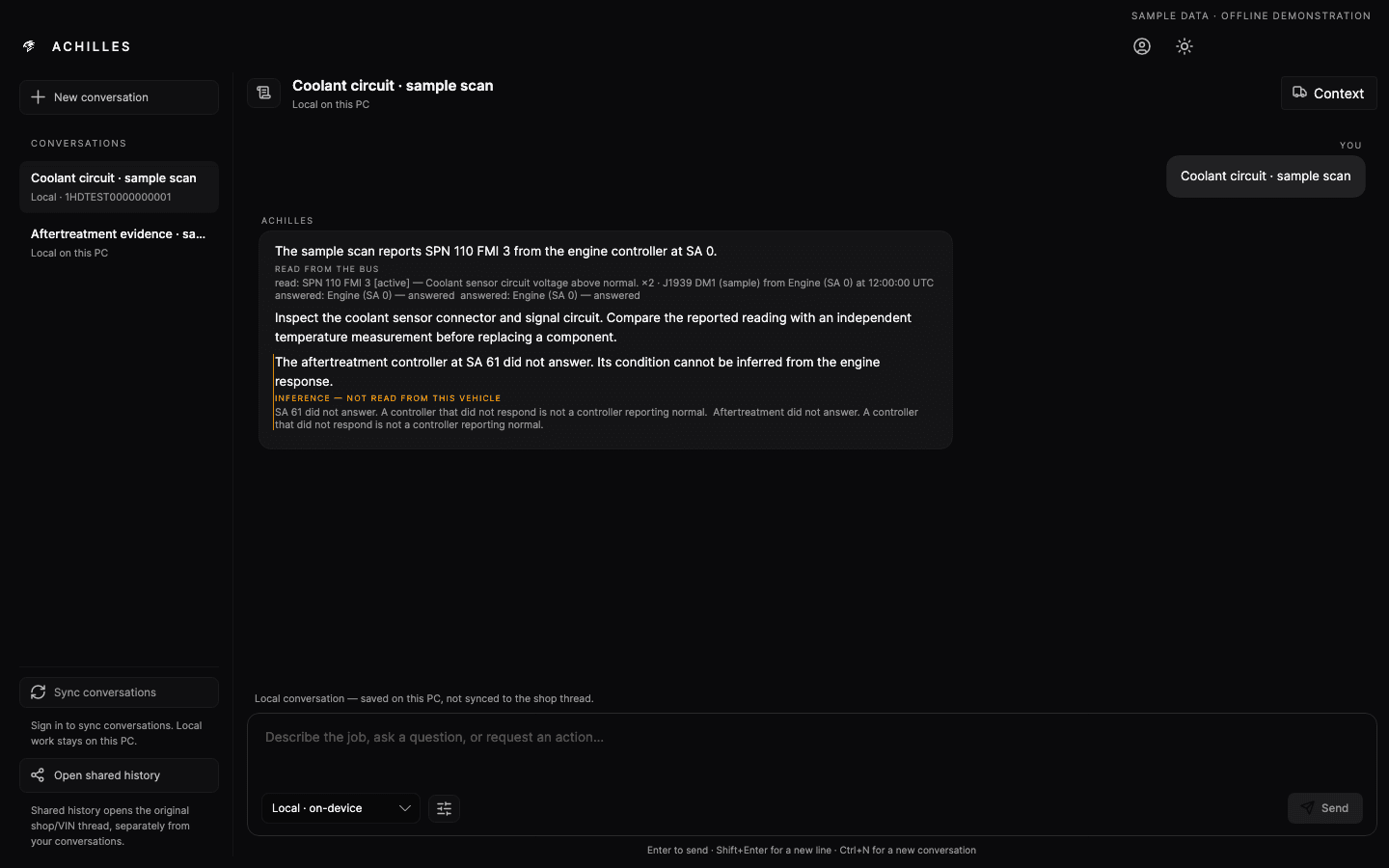
Achilles learns your workflows, researches technical documents and carries out diagnostic software tasks with your approval. Its cloud memory keeps your company and vehicle context across computers. Stay in touch from your phone while it works on your Windows laptop, using Chiron, Astra and compatible industry software.
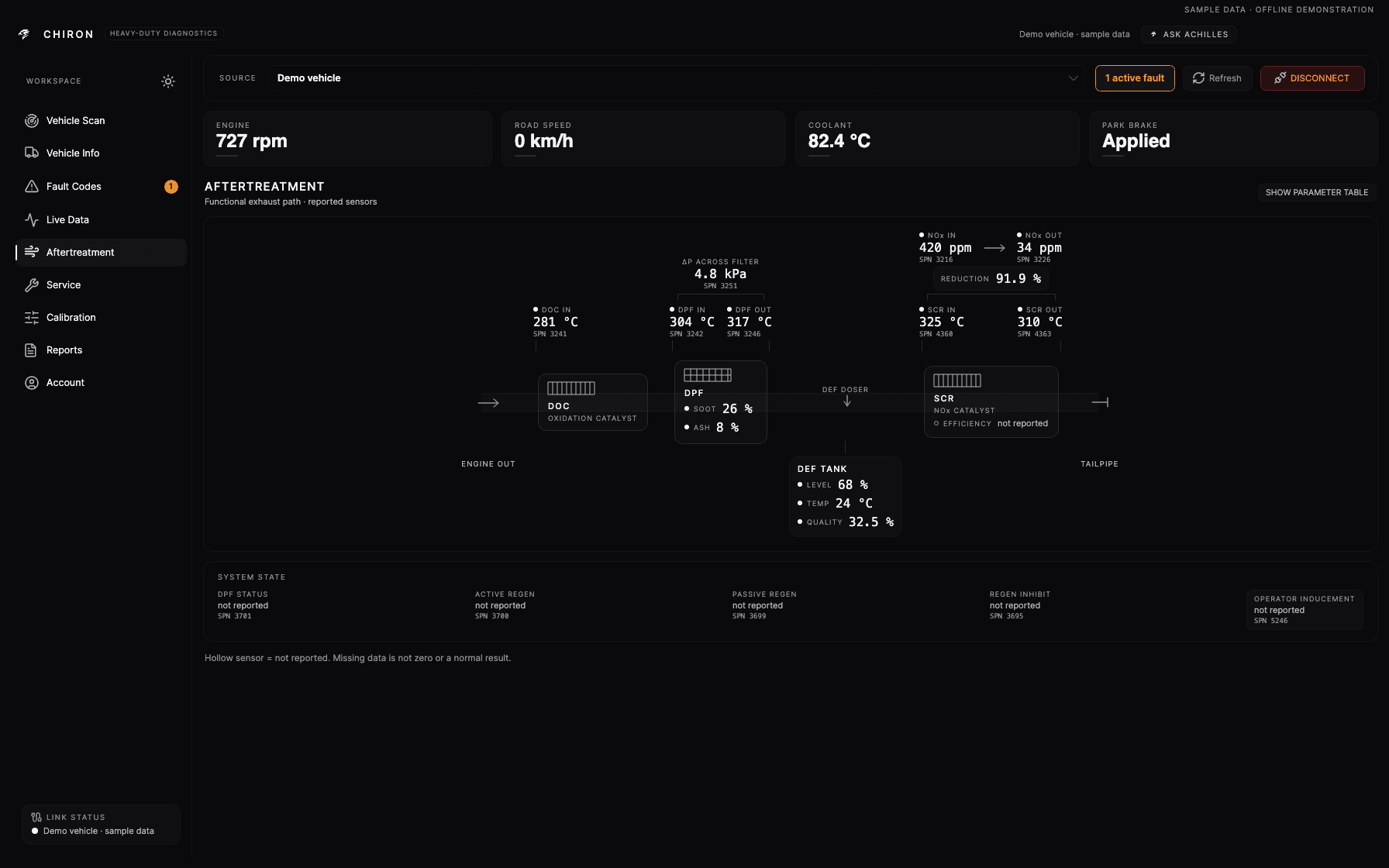
Chiron brings controller scans, fault history, live data, service tests and parameter work into one diagnostic workspace. Investigate engine and aftertreatment systems, compare visits, replay captured data and document the repair. Work across supported vehicle and engine brands with Achilles beside you.
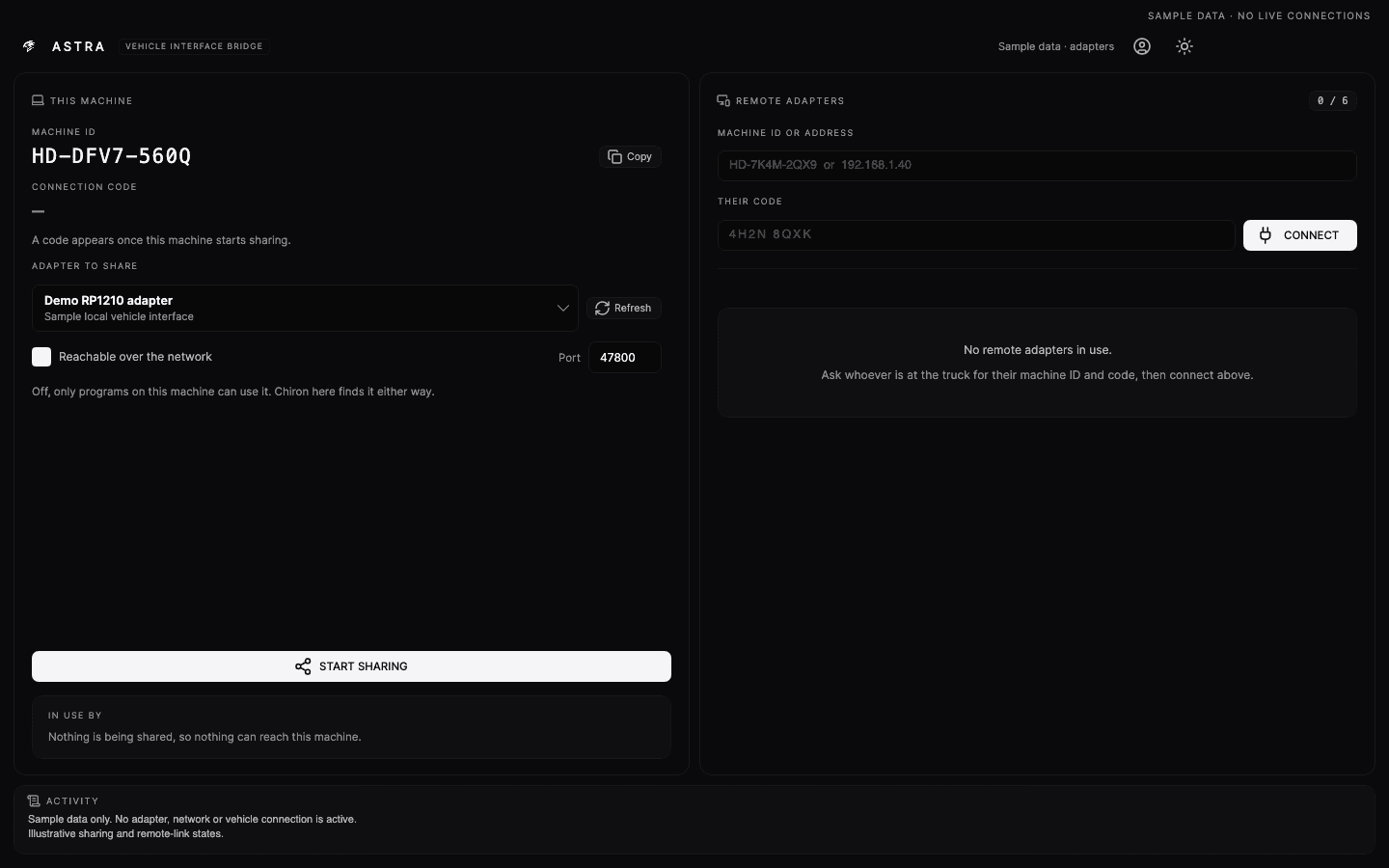
Astra connects the diagnostic software on your computer to adapters beside remote vehicles. Keep several field connections open, work through Chiron or compatible OEM tools and bring specialists, technicians and Achilles into the same job. Each vehicle keeps its own physical adapter and field laptop.
Remote connections are limited per device, not pooled. AI credits are shared across your plan. How credits work
Founding Pro and Max offer ends 15 October 2026, 11:59 p.m. ET.
Paid preorder. Monthly billing begins at checkout. Planned software delivery 15 October 2026.
Before you start
Your setup, explained
What hardware do I need?
A Windows computer, a compatible diagnostic adapter and the cable for your vehicle. Remote work also needs a Windows station beside the vehicle. Computers, adapters and OEM software licences are separate from your subscription.
Can I use my existing OEM software?
Astra provides remote adapter access for compatible OEM applications. Compatibility depends on the application, adapter and driver together. Your existing OEM licences and access permissions still apply.
Local diagnostics work for up to 14 days with a valid offline licence, and saved vehicle records sync when connectivity returns. Hosted AI needs internet. Remote adapter connections need a network between the computers.
Where does Achilles work, and what happens when I change laptops?
Achilles keeps your reviewed memory and saved job context in your cloud account. Software tasks run on the Windows computer you authorize, which must remain available while it works. Another laptop can access the saved context; open applications, installed drivers and physical connections stay on their original computer.
How do AI credits work?
Credits pay for AI processing, not the time a job stays open. Usage varies with the model, the information it reads and the response it produces. A long document or a task with several steps can use more than a short question. Your plan refills monthly; unused credits do not roll over and there is no automatic overage charge.