
Hyperdiag Suite
Chiron Diagnostic Software
From the first fault to the finished repair
Bring scans, live data, service tests and parameter work into one diagnostic workspace. Follow a problem across controllers, investigate aftertreatment performance and compare it with earlier visits. Chiron keeps the readings, changes and report together while Achilles helps you work through the job.
See suite plansFind the cause
Read fault history, freeze frames and live signals in context. Inspect engine and aftertreatment systems, then use guided tests to distinguish the likely causes.
Test and verify
Run supported service routines and review authorized parameter changes. Compare before and after values, inspect calibrations and check the result against the vehicle’s evidence.
Keep the whole visit
Capture and replay diagnostic data, compare saved visits and produce a service report. Keep separate vehicle sessions organized, locally or through Astra.
Example workflow
Find out why this vehicle keeps returning with the same fault.
The diagnosis and its evidence stay together.
- 01
Compare the current scan with previous visits and recorded fault context.
- 02
Inspect related signals and run the applicable diagnostic tests.
- 03
Verify the repair and record the findings in the vehicle’s service report.
Interface
Inside Chiron
Explore controller scans, live signals, aftertreatment and calibration inspection. Screens show illustrative data.
Aftertreatment
Follow the exhaust path through DOC, DPF and SCR, with reported temperatures, pressures and NOx readings.
Live Data
Read signal values, units and recent trends together, with their controller source.
Calibration
Inspect map values and their isometric surface. Compare against a reference. Emissions maps stay read-only.
Vehicle Scan
Inspect controller responses and fault status. A missing response remains missing evidence.
Fault Codes
Inspect fault descriptions, SPN, FMI and the reporting controller.
Specifications
Technical details
- Platform
- Windows x64, with local adapters or remote vehicle connections through Astra.
- Vehicle protocols
- J1939 and J1587 / J1708 within supported vehicle and controller coverage.
- Adapter interfaces
- RP1210 and J2534 with compatible vendor drivers, including a bridge for 32-bit RP1210 drivers.
- Diagnostic work
- Fault records, freeze frames, live trends, controller identification and supported service tests.
- Configuration
- Reviewed fleet parameters, recorded previous values and calibration inspection. Emissions maps remain read-only.
- Evidence and reports
- Saved visits, comparisons, trace capture, replay and PDF service reports.
Setup
What you’ll need
- 01
Windows and an adapter
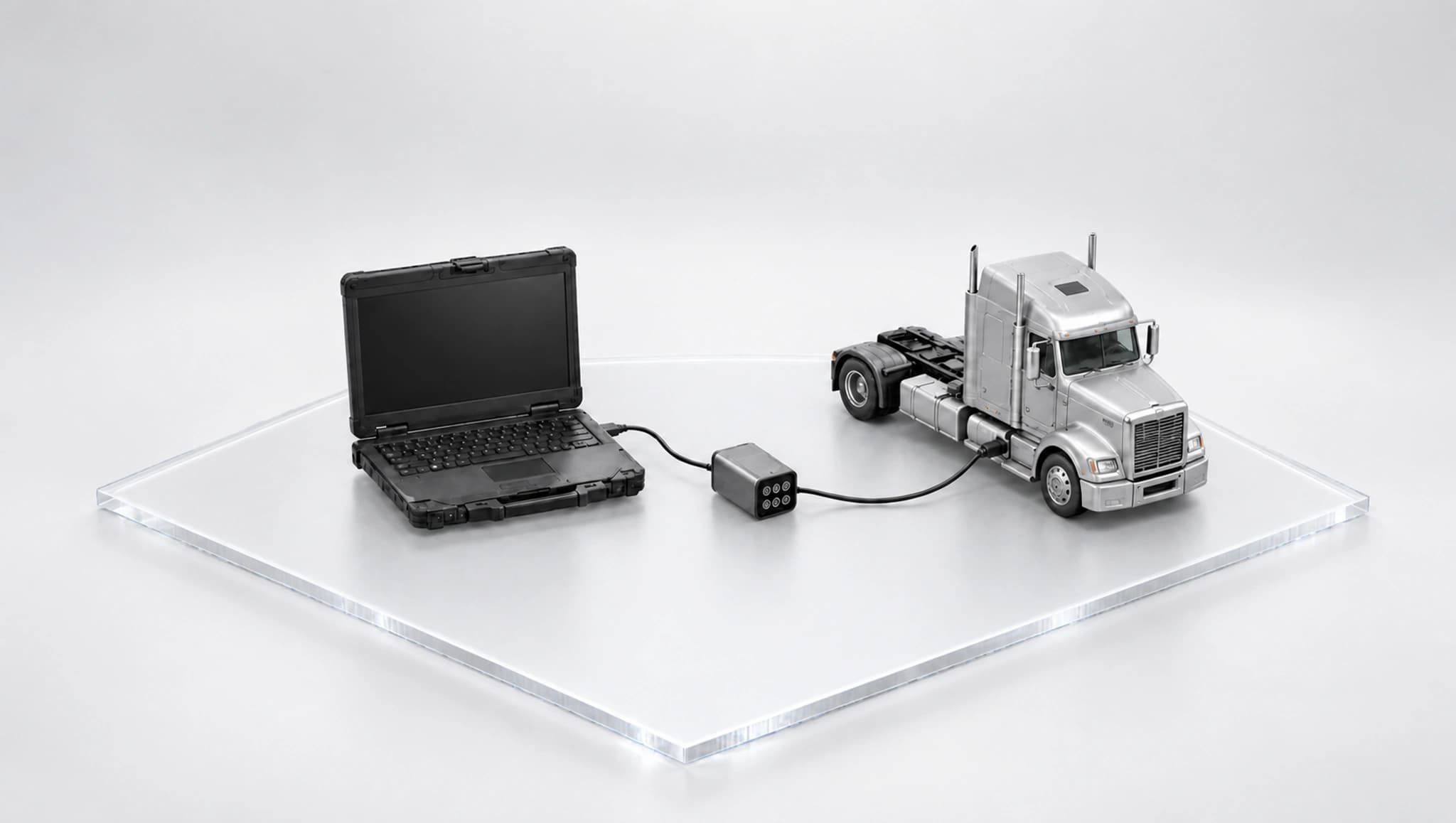
Use a Windows x64 computer, compatible physical adapter, vehicle cable and vendor driver. Hardware is separate from the software plan.
- 02
Coverage for the task
Match the vehicle, controller and operation in the coverage guide. A shared protocol does not make every manufacturer function interchangeable.
- 03
Local or remote access
Local diagnostics use the adapter beside you. Astra adds remote vehicle connections. Account synchronization needs internet; licensed local work supports offline use.
The complete suite
Get the complete suite
Every Hyperdiag Suite plan includes the agent, diagnostics and remote access. Choose the AI capacity and devices your team needs.
Paid preorder. Monthly billing begins at checkout. Planned software delivery 15 October 2026.
View preorder plansIndividual applications