
Hyperdiag Suite
Astra Remote Bridge
Your diagnostic tools, wherever the vehicle is
Connect the software on your computer to physical adapters at remote vehicles. Astra lets your specialist work from the same diagnostic workspace across different bays and locations, alongside the technician at the machine. Chiron and compatible OEM tools use the remote connection, with Achilles helping coordinate the work.
See suite plansBring the specialist in
Connect to a field station through its access code and select the vehicle’s adapter. Keep your diagnostic applications on your own computer while the technician stays beside the vehicle.
Work across locations
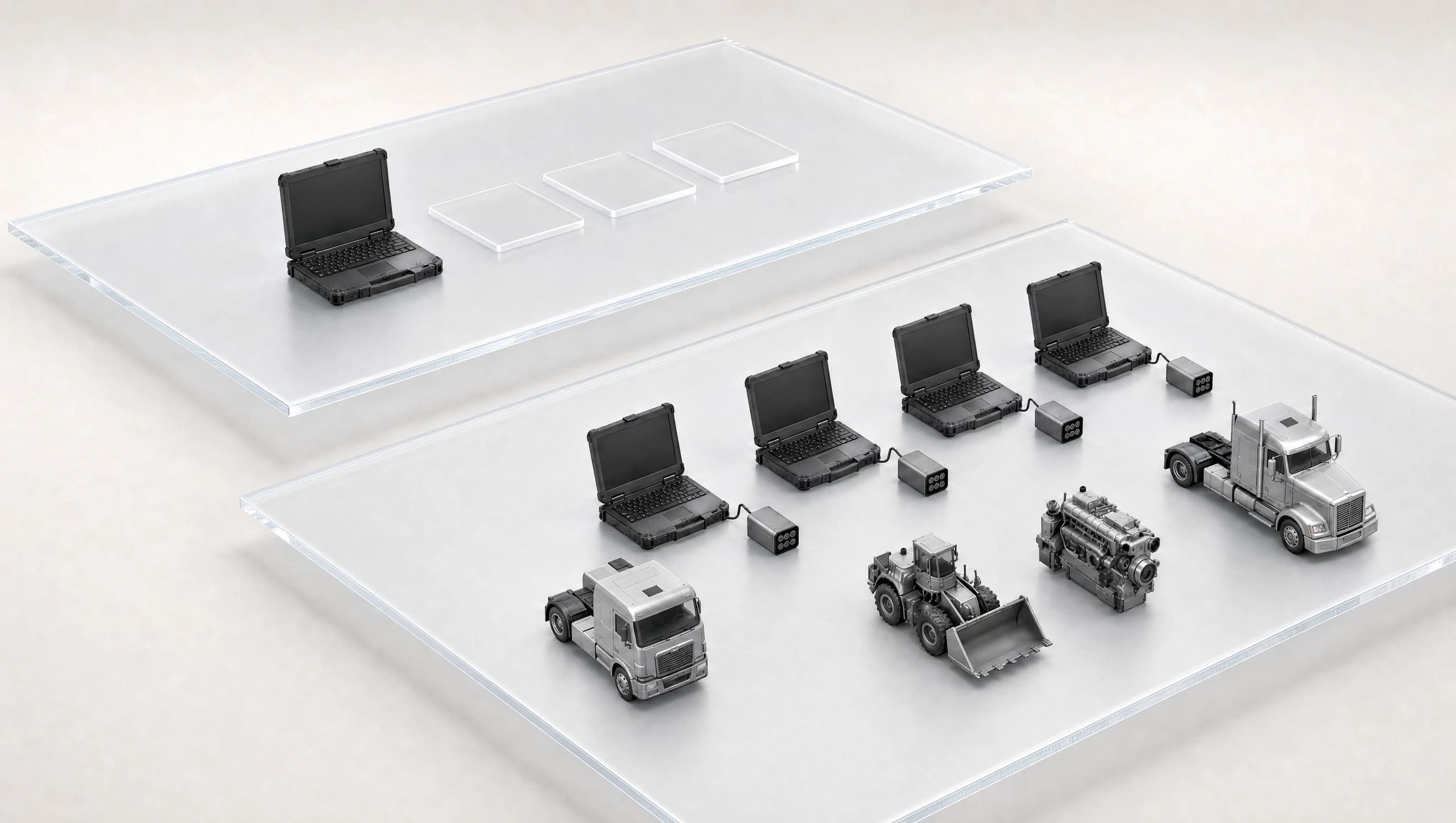
Keep 3 remote adapter links open per licensed device. Chiron organizes the vehicle sessions; each OEM application retains its own adapter and session limits.
Stay in control of the link
See the selected adapter and connection health. A disconnected session requires an explicit reconnect, and controller flashing stays on a local connection.
Example workflow
Help a technician diagnose a vehicle in another location.
The specialist and field technician work on the same vehicle from different locations.
- 01
The field technician connects a laptop and physical adapter to the vehicle.
- 02
The specialist pairs with that station and selects its adapter.
- 03
Chiron or a compatible OEM application performs the diagnostic work through Astra.
Interface
Inside Astra
Explore local adapter sharing and remote connection management. Screens show illustrative data.
Local adapters
Select the physical RP1210 adapter attached to this machine.
Remote connections
Inspect remote adapter links and their reported latency.
Specifications
Technical details
- Connection path
- Diagnostic computer → remote Windows station → physical adapter → vehicle.
- Diagnostic applications
- Chiron and compatible OEM software. Their licences and credentials remain separate.
- Adapter interfaces
- RP1210 / J2534 integration matched to the application, physical adapter and vendor driver.
- Remote capacity
- 3 simultaneous adapter links per licensed device. Capacity stays with each device; it is not a shared pool.
- Session controls
- Connection codes, explicit adapter selection, measured round-trip latency and reconnect controls.
- Remote operations
- Supported diagnostics and service work. Controller flashing stays local.
Setup
What you’ll need
- 01
A computer at each end
Use a Windows x64 computer for diagnostic work and a Windows station beside each vehicle. The field station connects to its physical adapter and vendor driver. A station that only shares an adapter does not use a paid seat.
- 02
Your diagnostic software
Run Chiron or a compatible OEM application on the diagnostic computer. OEM software, credentials and the physical adapter are not included.
- 03
An available network
Both ends need a working network connection. Task compatibility depends on the vehicle, adapter, driver and diagnostic application.
The complete suite
Get the complete suite
Every Hyperdiag Suite plan includes the agent, diagnostics and remote access. Choose the AI capacity and devices your team needs.
Paid preorder. Monthly billing begins at checkout. Planned software delivery 15 October 2026.
View preorder plansIndividual applications